Gaming Passions is a free niche dating and social-networking site for video game lovers, and after a few weeks inside it I rate it 2.5 out of 5 as of August 2026. It is part of the long-running Passions Network, so it works less like a swipe app and more like an old-school community of forums, chat rooms, and gamer groups. This Gaming Passions review breaks down how it works, what the optional upgrade costs, and whether the matches were worth the dated design, all from my own tested account.
What is Gaming Passions?
Gaming Passions is a free dating and friendship site for gamers that launched in 2004 as one of the many niche communities inside Passions Network, the network of interest-based dating sites founded by Michael Carter. Because it is part of a network of 260-plus sites, your single profile can be shown across related communities, which is how a small standalone gamer site keeps a usable member pool. The whole platform is built around shared gaming interests rather than looks, with member webcams, chat rooms, and topic groups doing most of the connecting.
Is Gaming Passions legit and safe?
Gaming Passions is a legit, two-decade-old site, but it offers no profile verification, so you have to bring your own caution. There is no verified badge or ID check, and I found a handful of low-effort profiles, though nothing that felt like an aggressive scam operation. What made it feel safer than most free sites was the pace: nobody could bombard me, and members initiate contact through gentle "actions" like a smooch or a flirt rather than a wall of DMs. I still kept the usual rules, never sharing personal details or moving to off-site payment apps.
How does Gaming Passions work?
Gaming Passions works through search and community features instead of an algorithm that feeds you matches. You browse and filter members yourself, join topic "groups" that act like tags on your profile (add yourself to a group and anyone browsing that group can find you), and start conversations in free text chat or through the site's flirt actions. Upgraded members also get audio chat and streaming webcam chat. There is no daily match queue here, so the people you meet are the ones you go looking for.
Is there a Gaming Passions app?
No, Gaming Passions has no mobile app, and it is a browser-only experience on desktop or phone. If matching on the go from a dedicated app matters to you, this is not the site for it. The mobile site is functional but very dated, with a distinctly early-2000s layout that takes a minute to adjust to.
How much does Gaming Passions cost?
Gaming Passions is free to join, browse, and message, with an optional premium membership at $4.95 per month. A paid account removes ads, unlocks audio and webcam chat, and hides your profile from outside search engines, which is the upgrade I actually paid for since privacy is worth $5 to me. There is also a $1 trial for the first seven days if you want to test premium features first. Deleting your account does not automatically cancel billing, so contact support separately to stop charges.
What was my experience on Gaming Passions?
My honest experience on Gaming Passions was slow to start but pleasant once it warmed up. It took several days before messages, group activity, and the occasional flirt started rolling in, which is the trade-off for a smaller, quieter community. The people who did reach out were genuine gamers with detailed bios, and the conversations were calmer and more respectful than the free-for-all I get on bigger apps. I ended up with a couple of real dates and a few good gaming friends, which is a fair return for a free site.
Who is Gaming Passions best for?
Gaming Passions is best for patient gamers who prefer a laid-back community over fast swiping and do not mind a retro interface. It suits people who like forums, chat rooms, and browsing at their own pace, and who want a mostly free option to keep in the rotation. Anyone who wants a polished app, a large local pool, or verified profiles will be happier elsewhere.
How do you delete your Gaming Passions account?
You delete your Gaming Passions account from the account-management area in your settings, where the delete option lives. If you took the $4.95 premium membership, cancel that separately first, because deleting the account does not automatically stop the recurring charge, and Gaming Passions asks you to contact support to close the billing. Free members can simply delete the profile, or use the pause option under settings to hide it without removing it entirely.
What are the best Gaming Passions alternatives?
If Gaming Passions feels too small or too dated, a few gamer sites I have tested cover similar ground. Here is how the main alternatives compare:
- Kippo: a modern, beautifully designed app built for gamers, with creative profile cards.
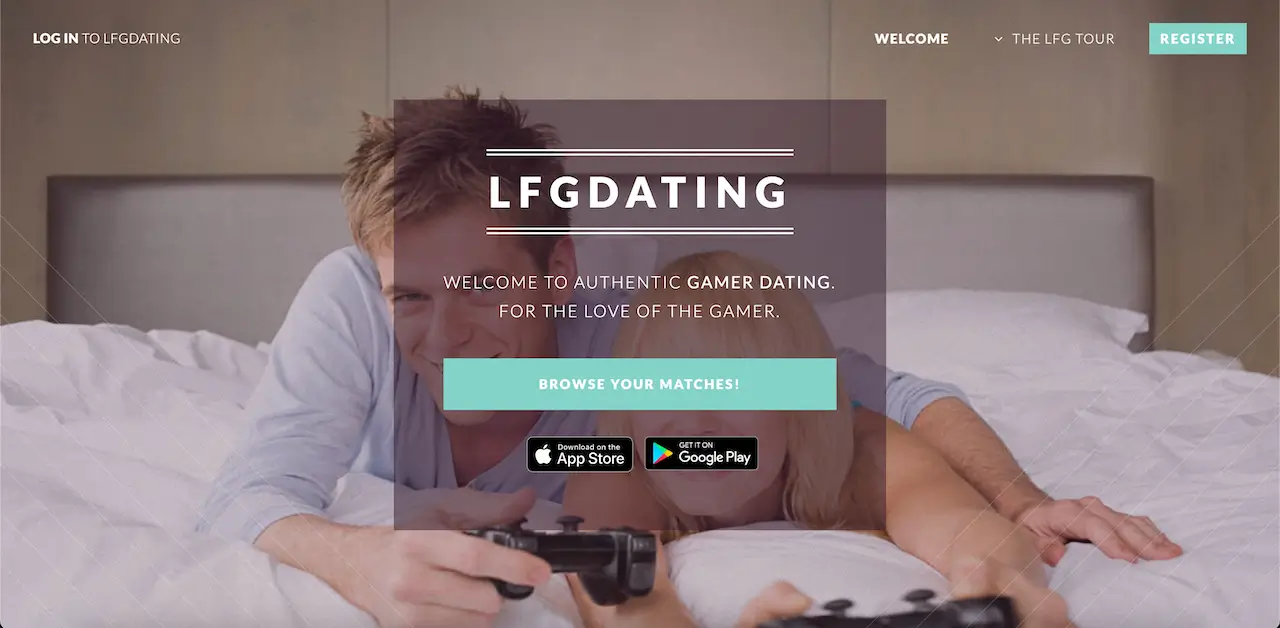
- LFG Dating: a gamer-only site with human-approved profiles and matching by the games you play.
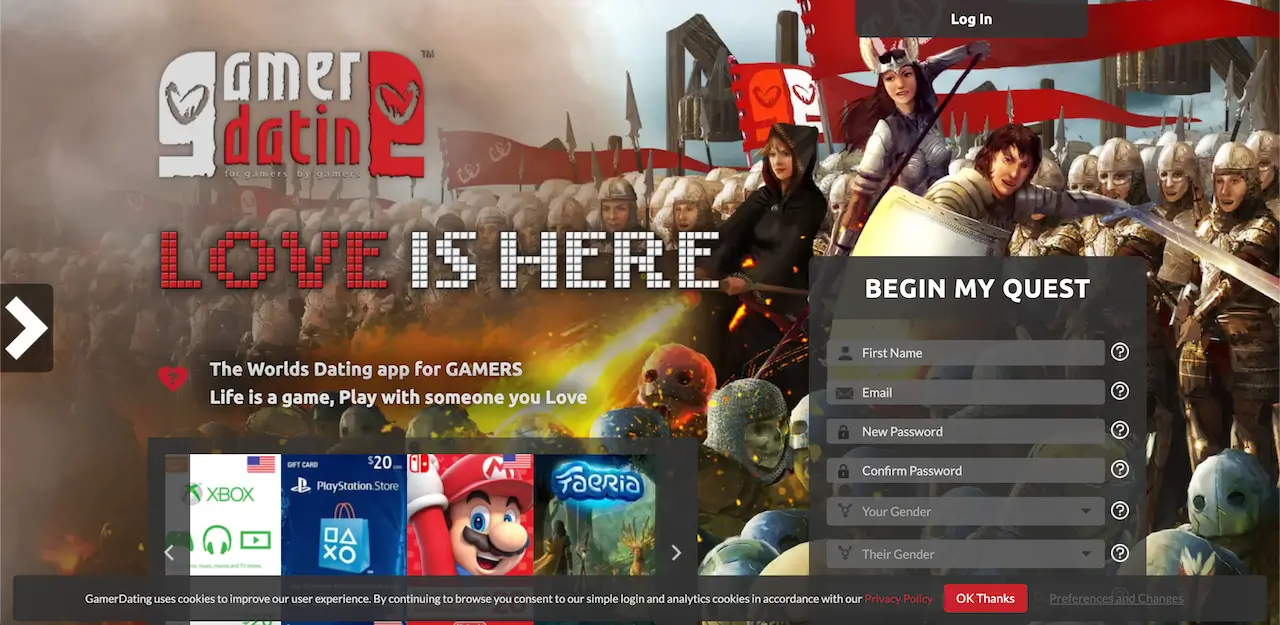
- GamerDating: matches on shared titles and throws in game rewards for active members.
- Date Player 2: a gamer platform with tournaments, events, and video chat while you play.
Browse the full lineup in my gamer dating sites category.
Gaming Passions review: frequently asked questions
Is Gaming Passions free?
Gaming Passions is free to join, browse, and send text messages, with an optional premium membership at $4.95 per month that removes ads and unlocks audio and webcam chat.
Is Gaming Passions legit?
Gaming Passions is a legit site that has run since 2004 as part of Passions Network, though it has no profile verification, so members should stay cautious with personal details.
Does Gaming Passions have an app?
No, Gaming Passions has no mobile app and works only through its dated website on desktop or mobile browsers.
How much does Gaming Passions premium cost?
Gaming Passions premium costs $4.95 per month and there is a $1 trial for the first seven days; a paid account also hides your profile from outside search engines.
Is Gaming Passions good for meeting gamers?
Gaming Passions is good for patiently meeting genuine gamers through groups and chat, but the pool is small and matches come from your own searching rather than an algorithm.
How do you delete your Gaming Passions account?
Delete your Gaming Passions account from the account-management area in settings; if you have the $4.95 premium, cancel it separately and contact support first, since deleting the profile does not automatically stop billing.
My final verdict on Gaming Passions
Gaming Passions earns a 2.5 out of 5 from me because it delivers a safe, low-pressure gamer community held back by a dated design, no app, and no verification. The free tier is genuinely usable, the $4.95 upgrade is fair for the privacy alone, and the members who reached out were real gamers worth talking to. It will not replace a big modern app, but as a calm, cheap addition to the mix for niche gamer dating, I do not regret the time I spent there.